Track what you spend.
Keep it on your phone.
Spent Money is an expense & budget tracker with no ads, no account, no sign-up, and no cloud sync. Every number you enter stays on your own device.
See how it works →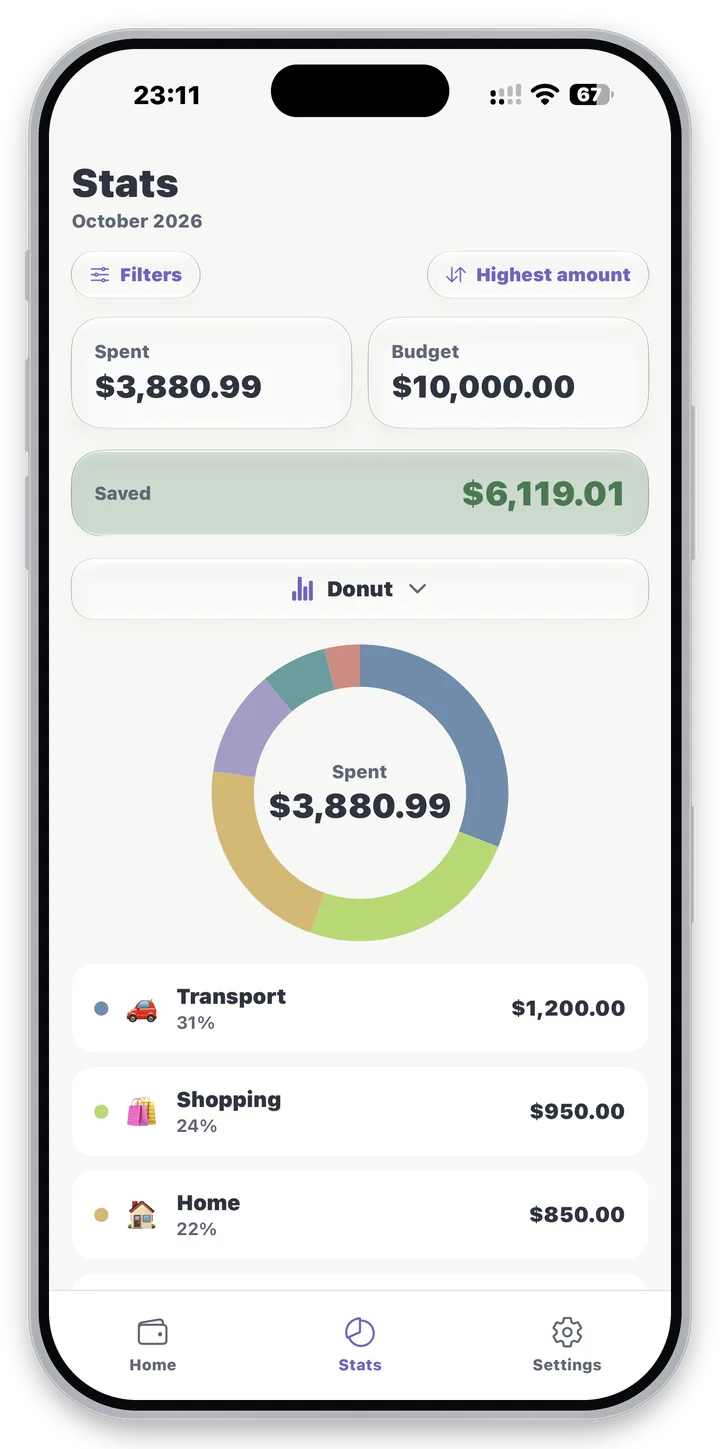
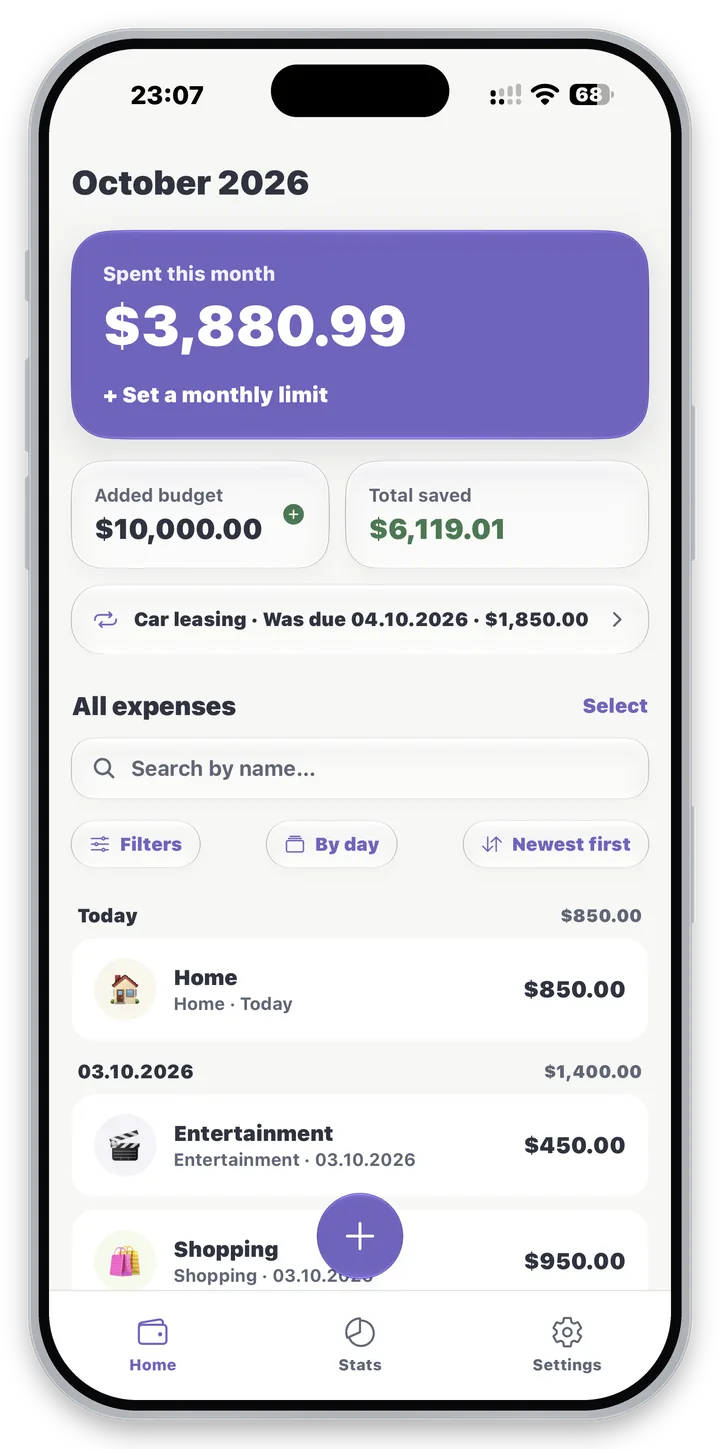
156 currencies
Available in 37 languages
12 chart styles
18 number formats
What's New
The two latest updates, straight from the app’s own release notes.
Version 1.4.0
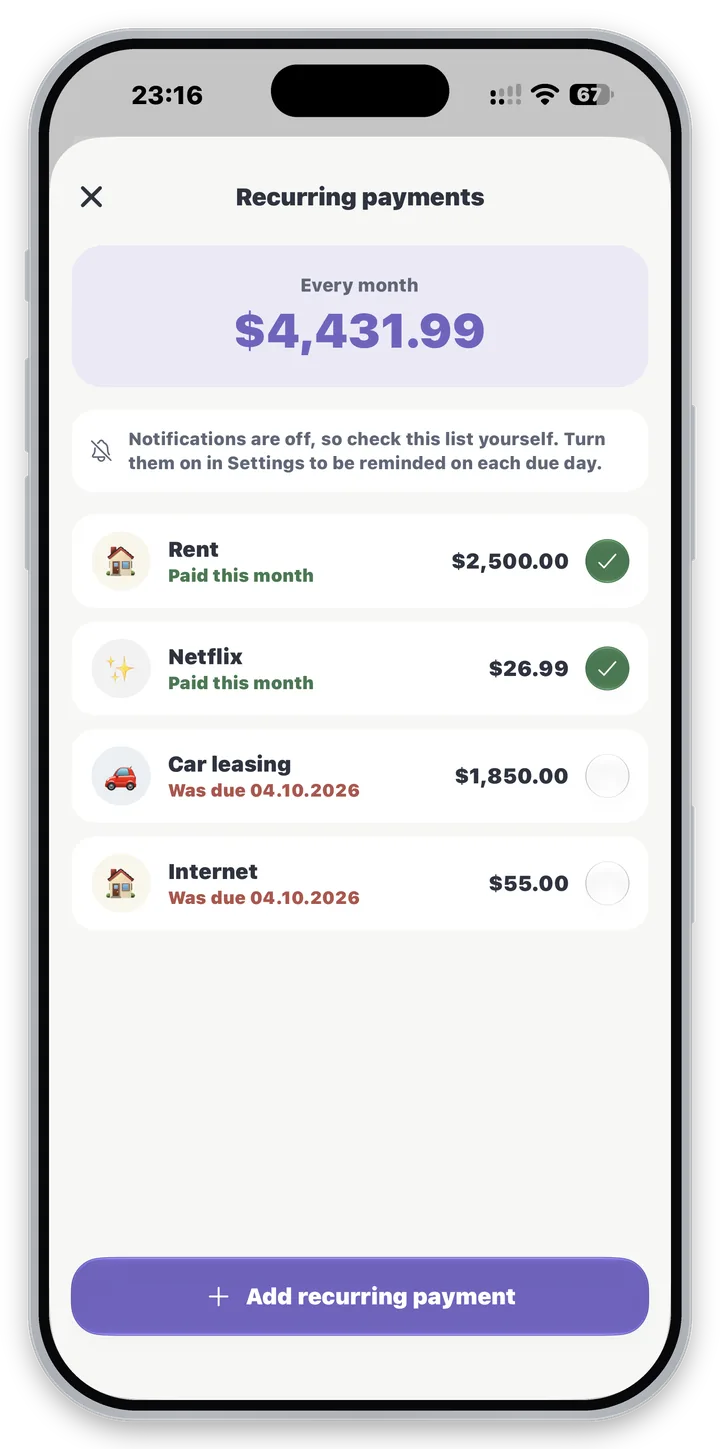
Recurring payments
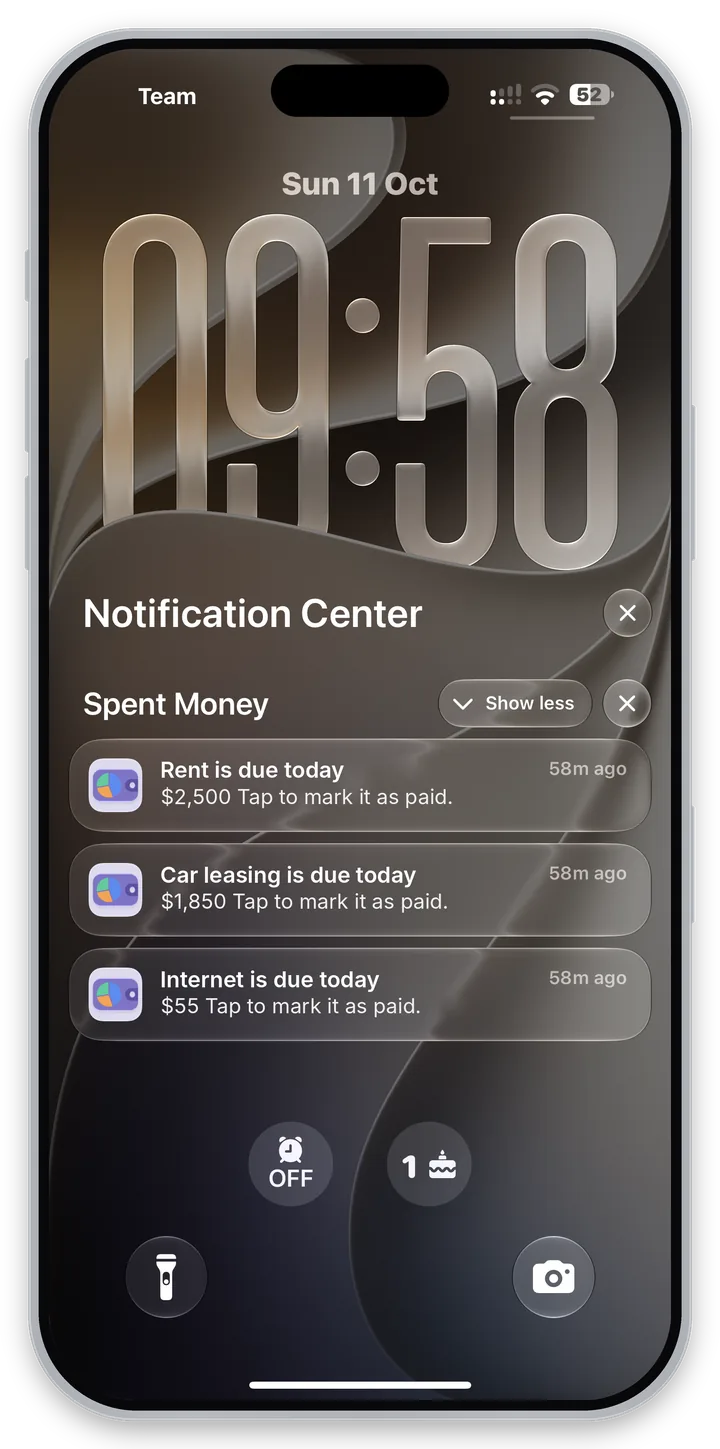
Recurring payments: rent, bills and subscriptions, with a reminder on the day each one is due
Mark a recurring payment as paid and it is added as today's expense
Daily reminder
An optional daily reminder if you have not added any expenses yet
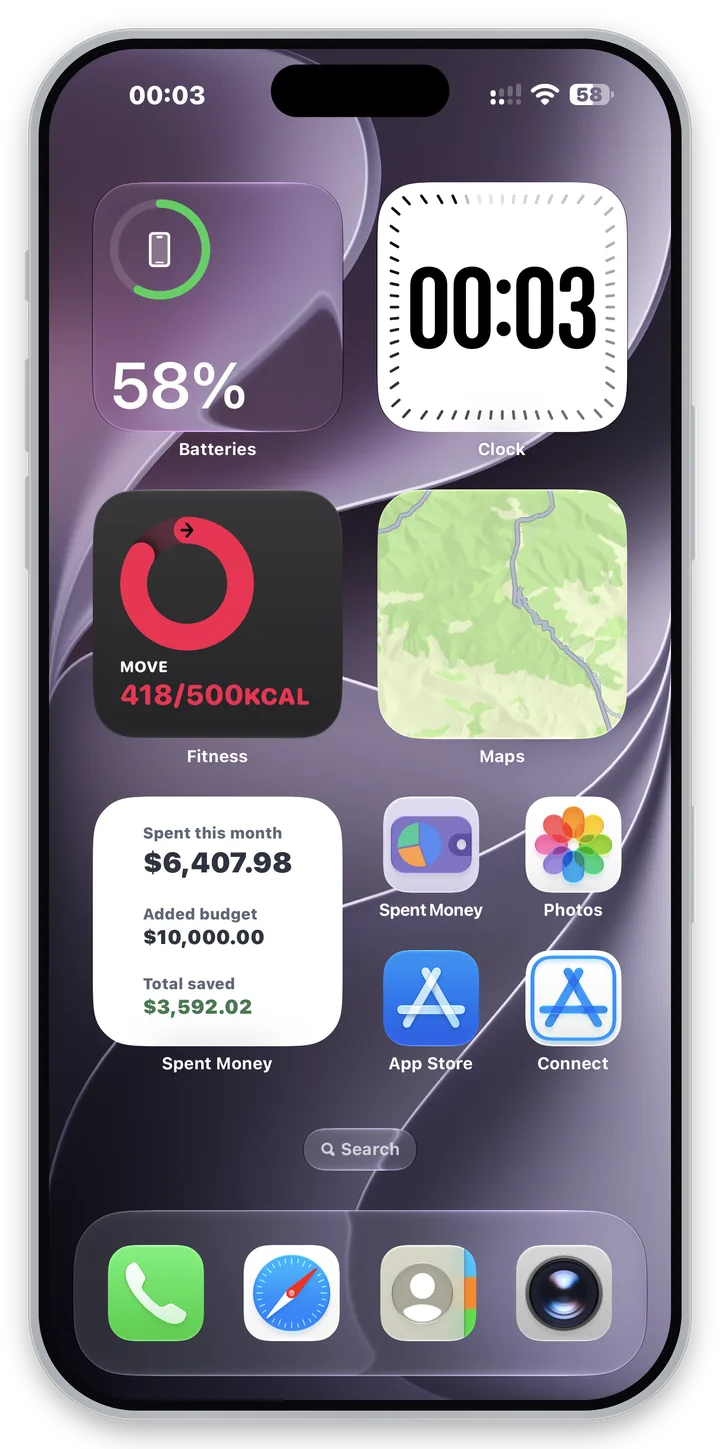
Home and Lock Screen widgets
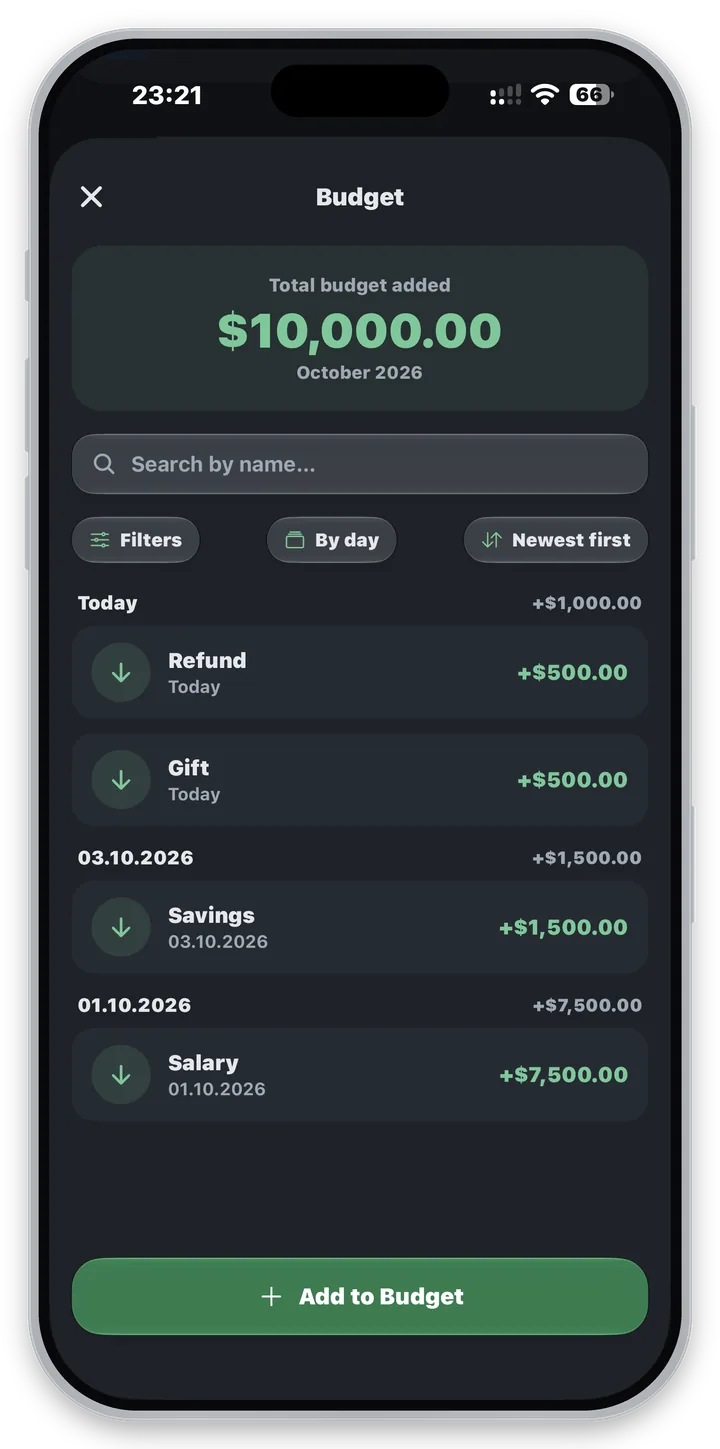
Home Screen widgets show this month's spending, your added budget and your total saved
The medium widget also shows your monthly limit and how much is left
Lock Screen widgets show your spending right under the clock
A new look
A new app icon, with Dark and Tinted versions for your Home Screen
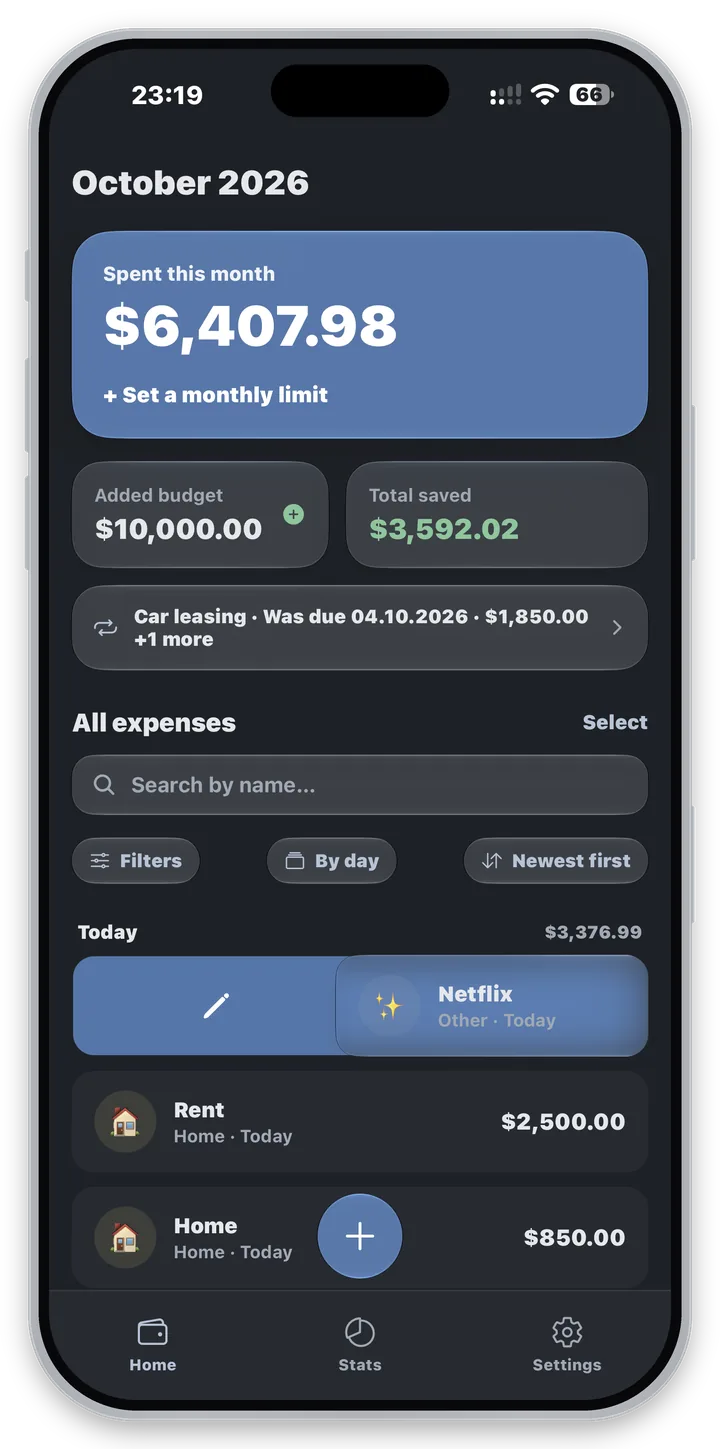
A calmer color palette that is easier on the eyes, in light and dark mode
Version 1.3.0
Glass effect
A Liquid Glass look on iOS 26 and later, with smooth transitions everywhere
Liquid Glass can be turned off in Settings if you prefer the plain look
Swipe to edit or delete
Swiping a row shows a full Edit or Delete color that follows your finger
Select
Select several expenses and delete them in one go
Delete a category, keep its expenses
Deleting a category keeps its expenses: they move to Uncategorized or a category you pick
Why it exists
Most budget apps want an email address, a bank connection - and then keep your financial history on someone else’s server. Spent Money is deliberately the opposite.
No ads
Not one banner, anywhere in the app - and none of what comes with them.
No account
Open the app and start typing. Nothing to sign up for.
No analytics of our own
No SDK watches what you do in the app, and there is no ad network in it at all. Purchases go through RevenueCat.
Only one permission
The only permission is notifications, for reminders you turn on. Never asks for your camera, contacts, location, or microphone.
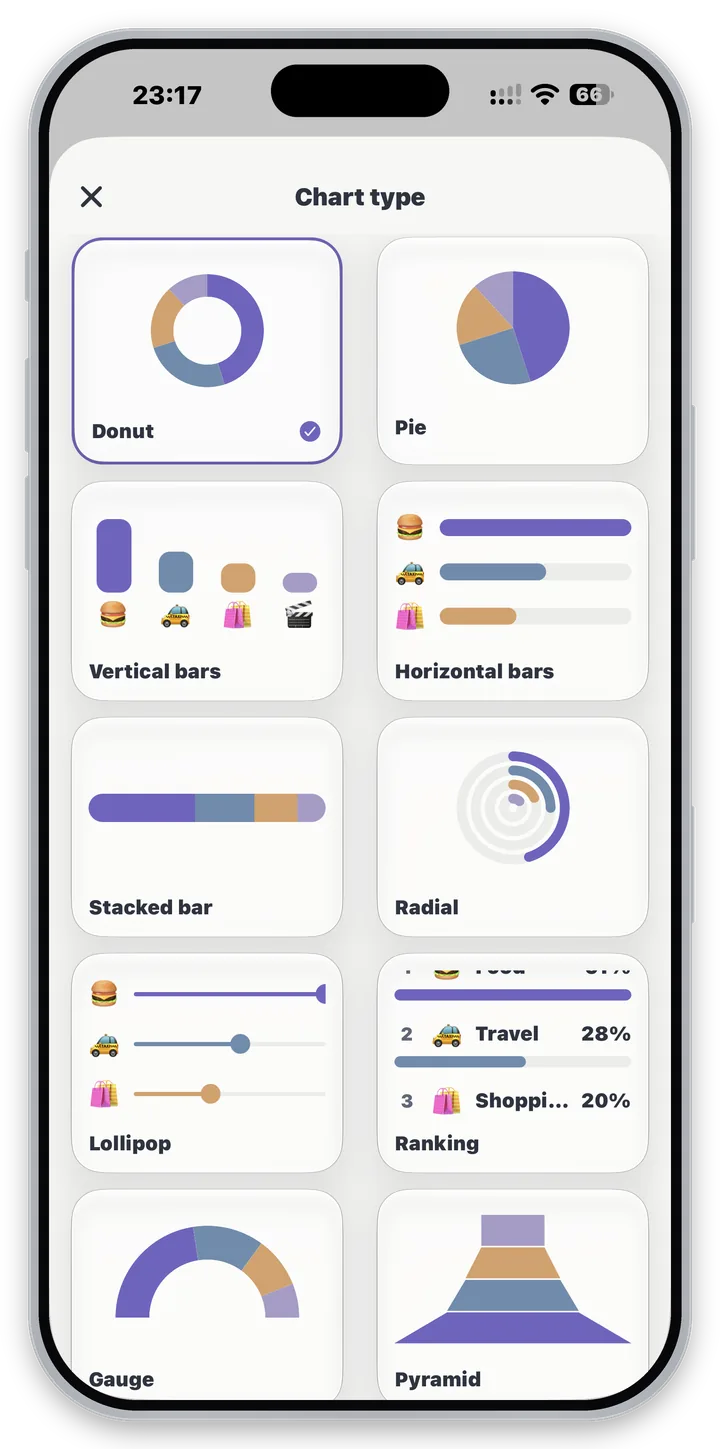
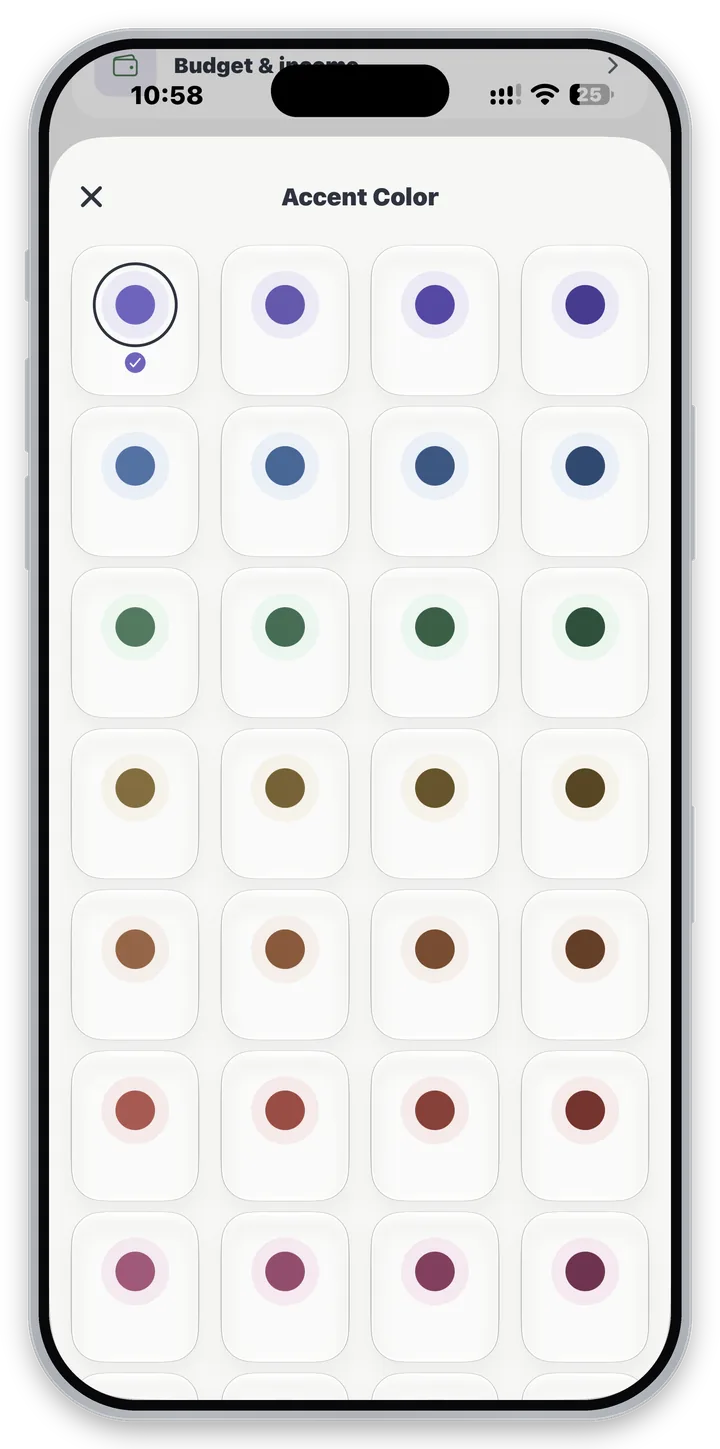
Categorize it your way
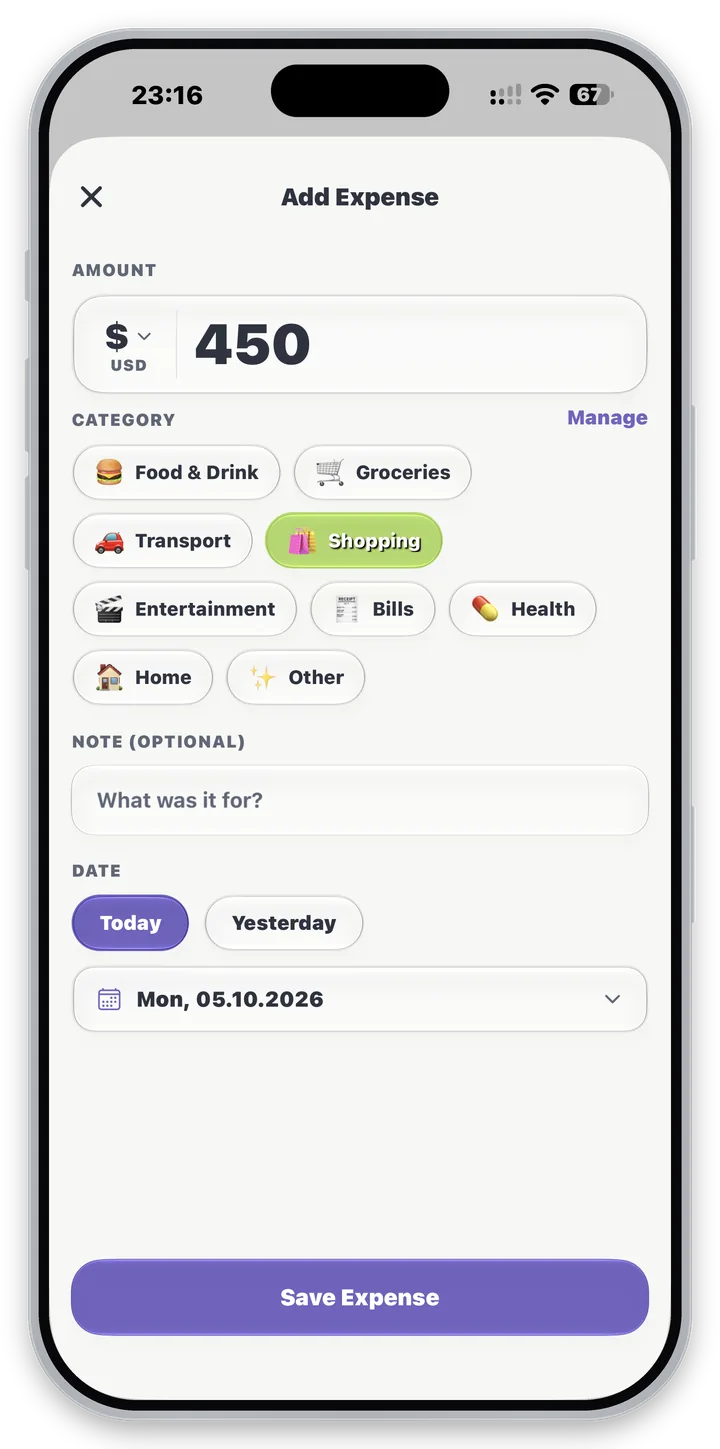
9 starter categories - or create your own with any emoji and any color.
Keep it safe
Your data never leaves your phone unless you choose to share it.
- Optional 6-digit PIN, required on launch and whenever the app is backgrounded.
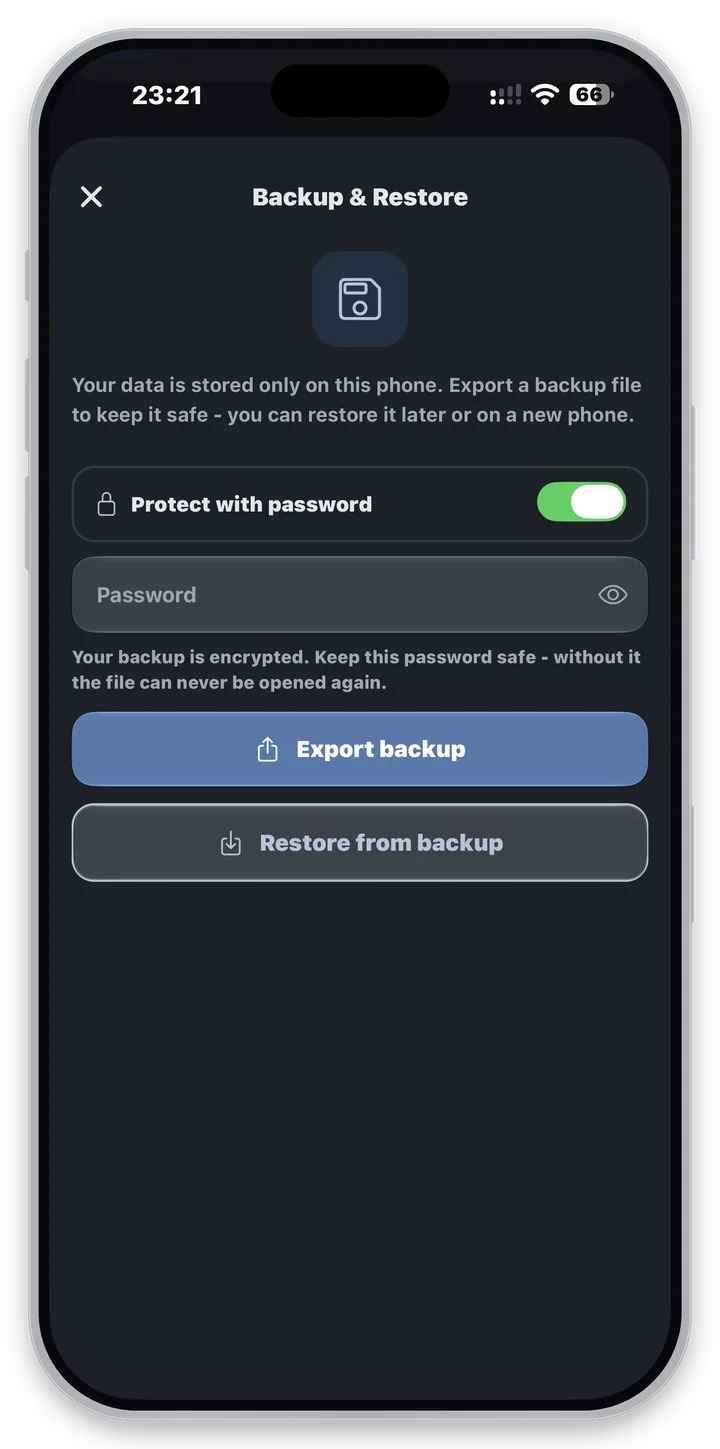
- Manual backup & restore to a JSON file you control - nothing is uploaded anywhere. Pro can protect that file with a password you choose.
- Read about privacy & security →